

 中文

jingle deepin
2017-02-15 17:42 deepin 商店里面安装的都有,自己折腾的需要创建
Reply Like 0 View the author
 deepin

 deepin
非常感谢,我的也成功了。
[Desktop Entry]
Type=Application
Name=Eclipse 2019.12
Comment=Eclipse Integrated Development Environment
Icon=/home/terwer/app/eclipse/eclipse-jee-2019-12-R-linux-gtk-x86_64/eclipse/icon.xpm
Exec=/home/terwer/app/eclipse/eclipse-jee-2019-12-R-linux-gtk-x86_64/eclipse/eclipse
Terminal=false
Categories=Development;IDE;Java;
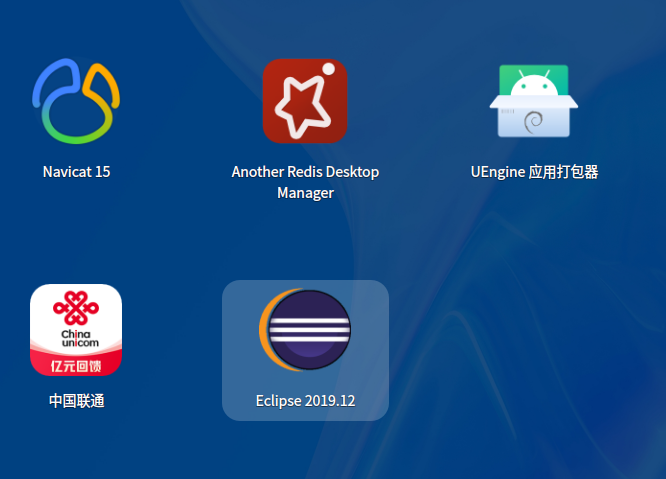

 deepin
我发现必须要写上Type=Application才能启动。😥
Popular Events
More


 Four agent skills for laptop power, sleep, and honest bug reports
执行命令:sudo vim /usr/share/applications/eclipse.desktop(要创建的快捷方式)
[Desktop Entry]
Type=Application
Name=Eclipse
Comment=Eclipse Integrated Development Environment
Icon=eclipse //图标
Exec=/home/ruili/codingTool/eclipse/eclipse // 程序路径
Terminal=false
Categories=Development;IDE;Java;