怎么清除显示器的设置
Tofloor
poster avatar
male
deepin
2016-11-29 16:58
Author
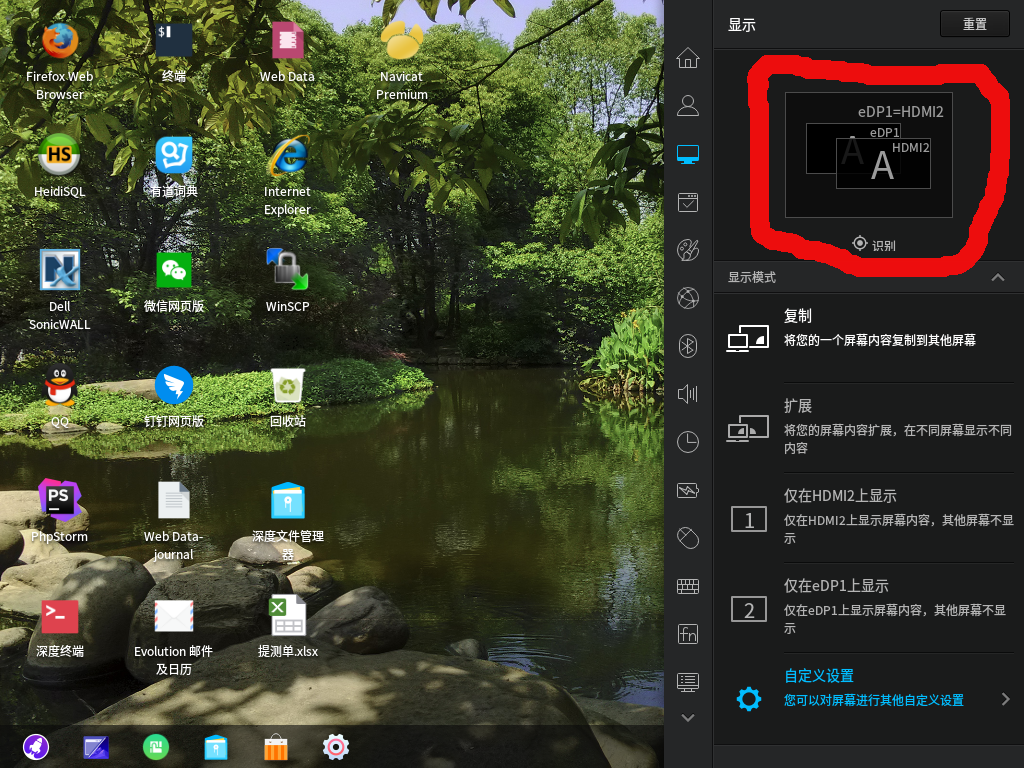
我笔记本,接了个显示器。


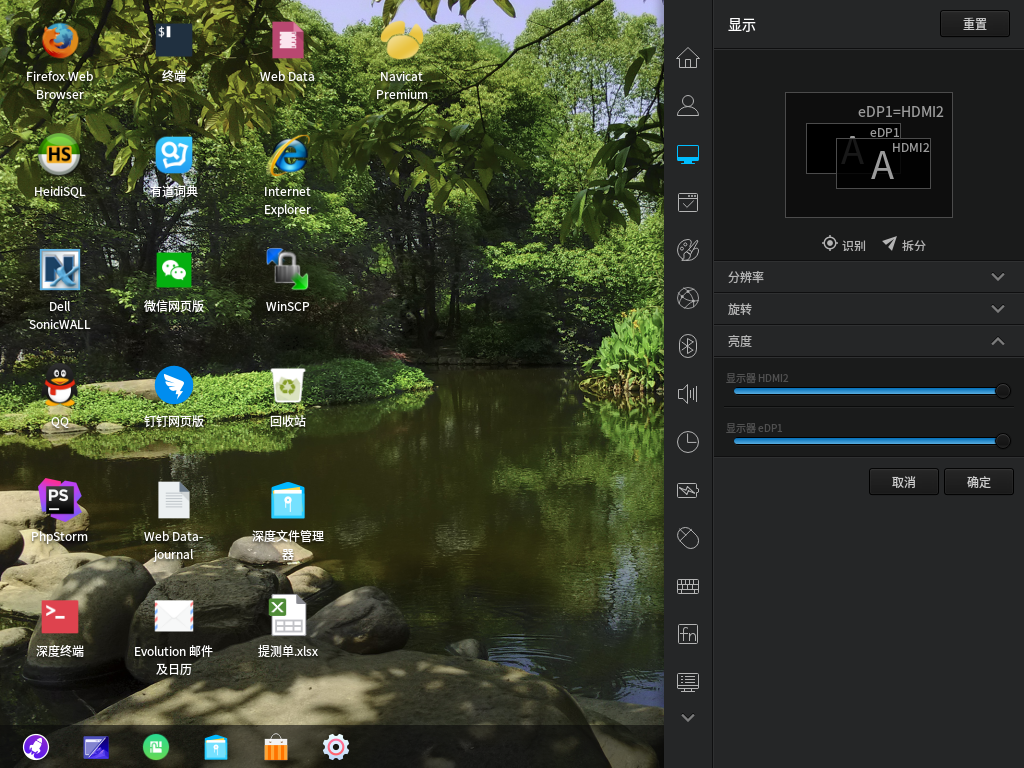
扩展设置里,做了设置,我想清除,怎么清除。
我本想拖动两显示器的左右位置,结果把一个拖到了另一个里面,显示乱掉了。
我想清除。
Reply Favorite View the author
All Replies
avatar
luxwen
deepin
2016-11-29 17:08
#1
你点击右上角的重置按钮就可以恢复到默认了
Reply View the author
avatar
male
deepin
2016-11-29 17:28
#2
https://bbs.deepin.org/post/132541
你点击右上角的重置按钮就可以恢复到默认了

没用,我说错了,是自定义设置,重置对这个没用。


我是要改变显示器的左右位置。
重置,重启都试了。
Reply View the author
avatar
male
deepin
2016-11-29 21:27
#3

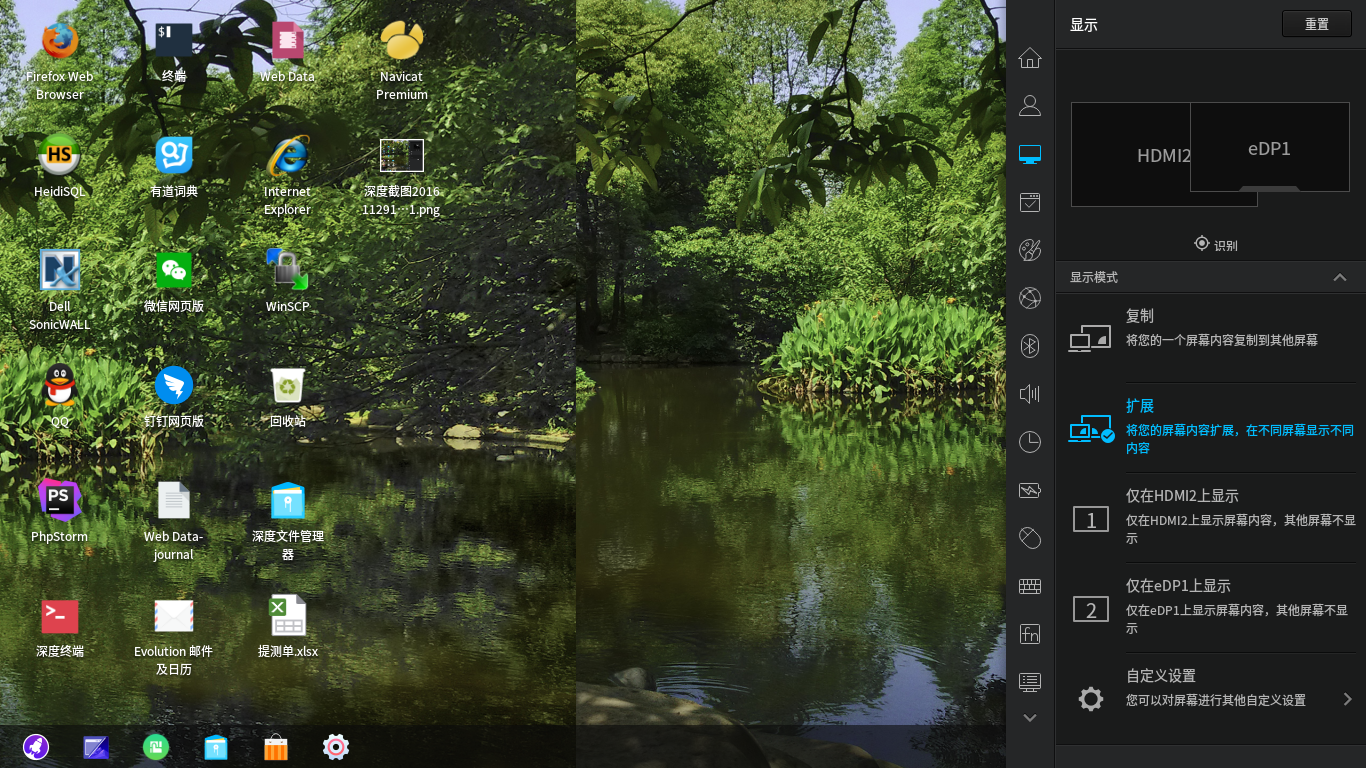
现在是这鸟样
Reply View the author
avatar
yanbowen
deepin
Community Developer
2016-11-29 22:36
#4
点自定义设置上的那个箭头,进去之后编辑
Reply View the author
avatar
yanbowen
deepin
Community Developer
2016-11-29 22:37
#5
或者 rm ~/.config/deepin_monitors.json 删除所有配置
Reply View the author
avatar
male
deepin
2016-11-29 22:56
#6


删除以后,在自定义里还是这样。
取消,切回扩展,点重置

两屏幕有重叠,这个好办注消就正常了。问题是自定义里怎么设置没清掉。

怎么改变eDP1,HDMI2的左右位置,我进自定义是想看看能不能改变两者的左右位置。
Reply View the author
avatar
male
deepin
2016-12-02 17:06
#7
up................p....p
Reply View the author