Home
Categories
WIKI
Topic
User
LANGUAGE:
中文
English
怎么更新opera的flash
Apps Section
709
views ·
1
replies ·
To
floor
Go
136******41
deepin
2016-11-18 06:48
Author
欧朋浏览器的flash要更新,但是不知道怎么做,刚刚接触deepin,挺喜欢的。
Reply
Like 0
Favorite
View the author
All Replies
h***a@gmail.com
deepin
2016-11-18 08:58
#1
本帖最后由 nalan 于 2016-11-18 08:07 编辑
在opera下打开
https://get.adobe.com/cn/flashplayer/
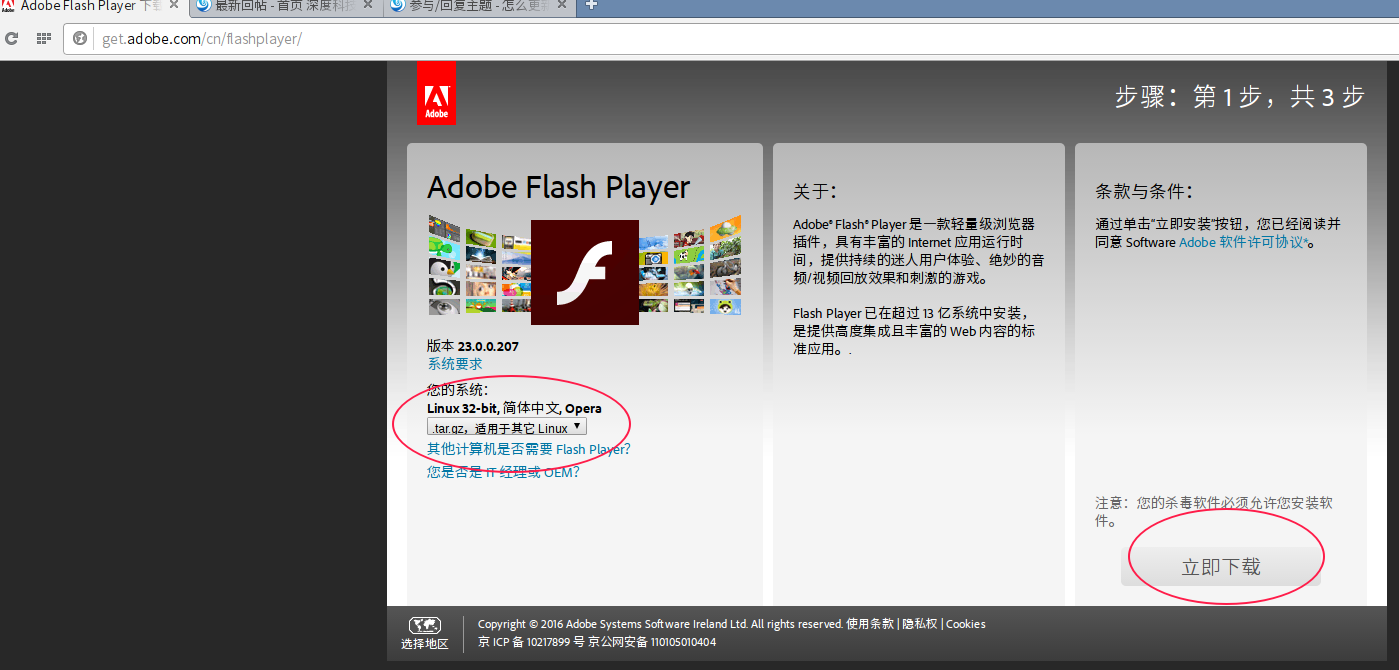
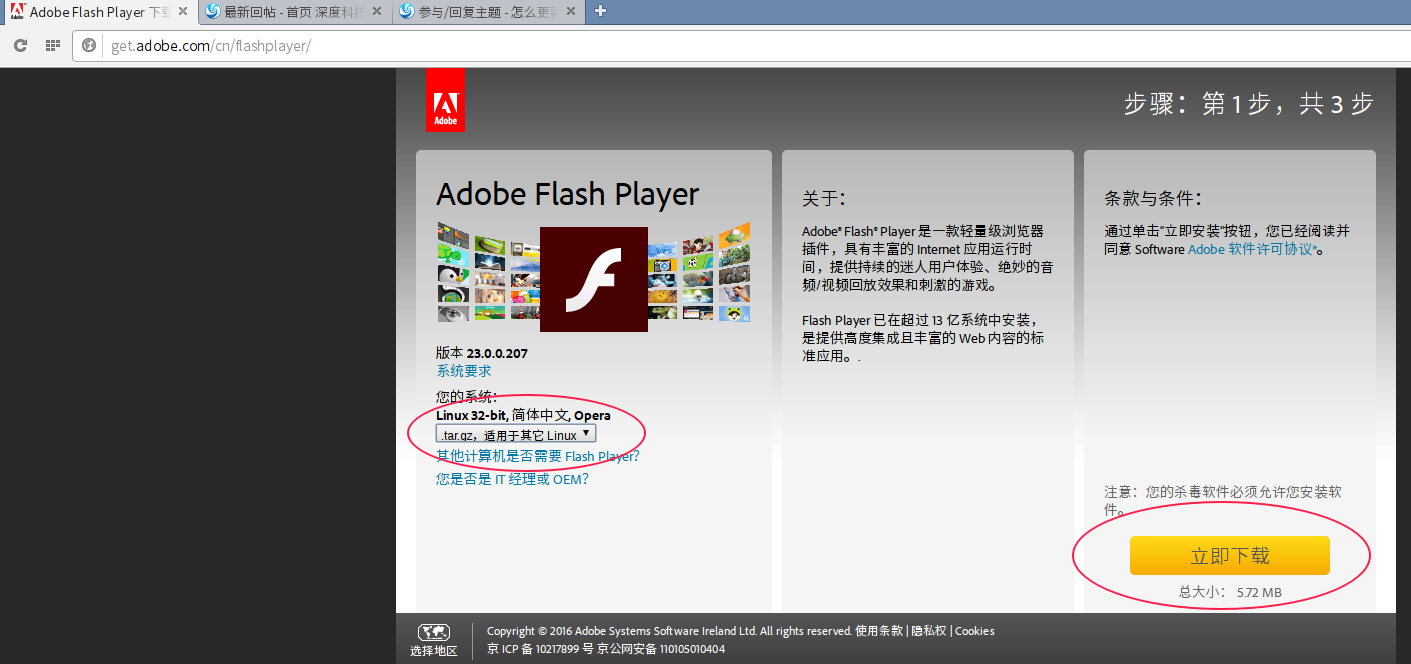
从这里可以看到系统的基本信息:我的深度系统是32位的,于是显示的内容就是:Linux 32-bit, 简体中文, Opera。于楼主而言,也是要下载适合的flash版本。
选择下载
other_Linux_32-bit_(.tar.gz)
将flash下载到本地后,默认是
下载到HOME目录下的“下载”文件夹
(目录)
中
。
打开flash插件的下载目录,新建一个文件夹
(目录)
,将新下载的 flash_player_ppapi_linux.i386.tar.gz 这个文件提取到 新建的文件夹
(目录)
之中。
打开这个
新建的文件夹
(目录),
复制
libpepflashplayer.so 、manifest.json 两个文件备用。
新开一个文件管理器,
以管理员方式打开 /usr/lib/pepperflashplugin-nonfree 这个文件夹(目录),将 上一步复制的
libpepflashplayer.so 、manifest.json 两个文件覆盖该目录下的同名文件,即可。
最简单的测试方式,在opera下打开深度论坛,看看能否在发帖的窗口中上传图片,如果可以上传,说明flash插件就安装好了。
Reply
Like 0
View the author
Comments
izrh
2016-11-19 04:31
感谢,完美解决。
Please
sign
in first
Featured Collection
Change
Nuntia - Modern IMAP/SMTP mail client for Deepin (Beta tester wanted!)
[Tutorial] deepin25 WSL Offline Installation Guide
UOS AI 2.8 Released! Three New Intelligent Agents & Major Evolution
Solid Q&A | deepin 25 Common Questions – The Immutable System Edition
New Thread
Popular Ranking
Change
Adding a Dancing Spectrum Bar to the Deepin Taskbar | deepin-spectrum
Popular Events
More


 中文


 deepin deepin deepin

 deepin


 Adding a Dancing Spectrum Bar to the Deepin Taskbar | deepin-spectrum