[Share Experiences] VMWare启动时报 kernel headers的解决方法
Tofloor
poster avatar
hongfeng
deepin
11 hours ago
Author

分享一个VMWare启动时报 kernel headers的解决方法

【问题描述】

启动VMware-Workstation(Full-17.6.4-24832109.x86_64)报错,弹错错误提示窗口,内容如下所示:

Before you can run VMware, several modules must
be compiled and loaded into the running kernel.

Kernel Headers 6.6.127-amd64-desktop-hwe

Kernel headers for version 6.6.127-amd64-
desktop-hwe were not found. If you installed
them in a non-default path you can specify the
path below. Otherwise refer to your
distribution's documentation for installation
instructions and click Refresh to search again in
default locations.

【遇到问题处理&查找资料】

尝试过重新安装VMware-Workstation,但还是报错。后来看了这篇帖子:https://bbs.deepin.org.cn/post/295383。按其中的评论试着使用6.6.93版本的旧内核,发现能正常使用vmware。

【问题处理】

以下操作有一定风险,请谨慎操作~~

以下操作有一定风险,请谨慎操作~~

以下操作有一定风险,请谨慎操作~~

使用了deepseek帮我解决问题。由于内容较多,我将最主要的内容摘出来了。想看详细内容的可以看这个链接https://chat.deepseek.com/share/ir2rn6o9masxy8eug7

  • 检测出的问题
    • # 主要内容
      hong@hong-PC:~$ find /usr/src/linux-headers-6.6.127-amd64-desktop-hwe -name "version.h" 2>/dev/null
      /usr/src/linux-headers-6.6.127-amd64-desktop-hwe/include/generated/uapi/linux/version.h
      /usr/src/linux-headers-6.6.127-amd64-desktop-hwe/include/uapi/linux/dvb/version.h
      /usr/src/linux-headers-6.6.127-amd64-desktop-hwe/include/xen/interface/version.h
      hong@hong-PC:~$ ls -l /usr/src/linux-headers-6.6.127-amd64-desktop-hwe/.config
      ls: 无法访问 '/usr/src/linux-headers-6.6.127-amd64-desktop-hwe/.config': 没有那个文件或目录无法访问 '/usr/src/linux-headers-6.6.127-amd64-desktop-hwe/.config': 没有那个文件或目录
      
    • 从查找结果可以看出:
    • version.h 文件实际位于 /usr/src/linux-headers-6.6.127-amd64-desktop-hwe/include/generated/uapi/linux/version.h,但 VMware 期望它在 /usr/src/linux-headers-6.6.127-amd64-desktop-hwe/include/linux/version.h(通过符号链接 /lib/modules/.../build/include/linux/version.h 指向)。
    • 内核配置文件 .config 完全缺失,导致 VMware 无法验证内核配置。
  • 以下是修复步骤:
    • # 1. 创建缺失的符号链接(解决 version.h 找不到问题)
      sudo mkdir -p /usr/src/linux-headers-6.6.127-amd64-desktop-hwe/include/linux
      sudo ln -sf /usr/src/linux-headers-6.6.127-amd64-desktop-hwe/include/generated/uapi/linux/version.h /usr/src/linux-headers-6.6.127-amd64-desktop-hwe/include/linux/version.h
      
      # 2. 复制当前内核的配置文件(解决 .config 缺失问题)
      sudo zcat /proc/config.gz > /usr/src/linux-headers-6.6.127-amd64-desktop-hwe/.config
      
      # * 如果以上命令提示权限问题,可以使用以下命令。然后先将文件放在home目录中,再将文件复制到相应的位置并重命名为.config。
      sudo zcat /proc/config.gz > ~/configfile
      
      # 3. 重新运行 VMware 模块编译(我忘记是否要运行了,运行完2,可以跳到4,直接运行vmware试试)
      sudo vmware-modconfig --console --install-all
      
      # 4. 重新运行 VMware,此时错误弹窗就不弹了,能正常使用VMware。


【成功运行】

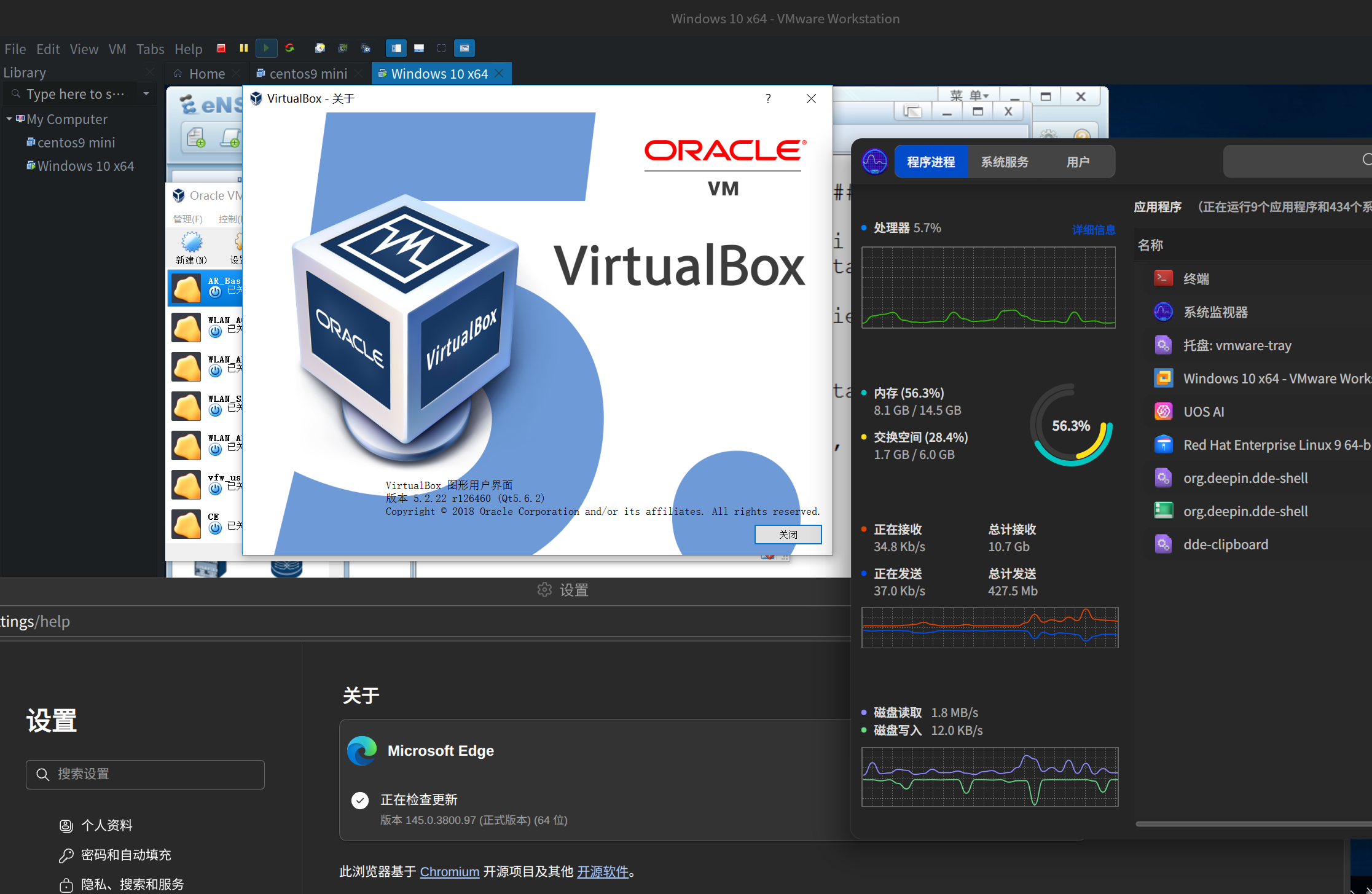
image.png

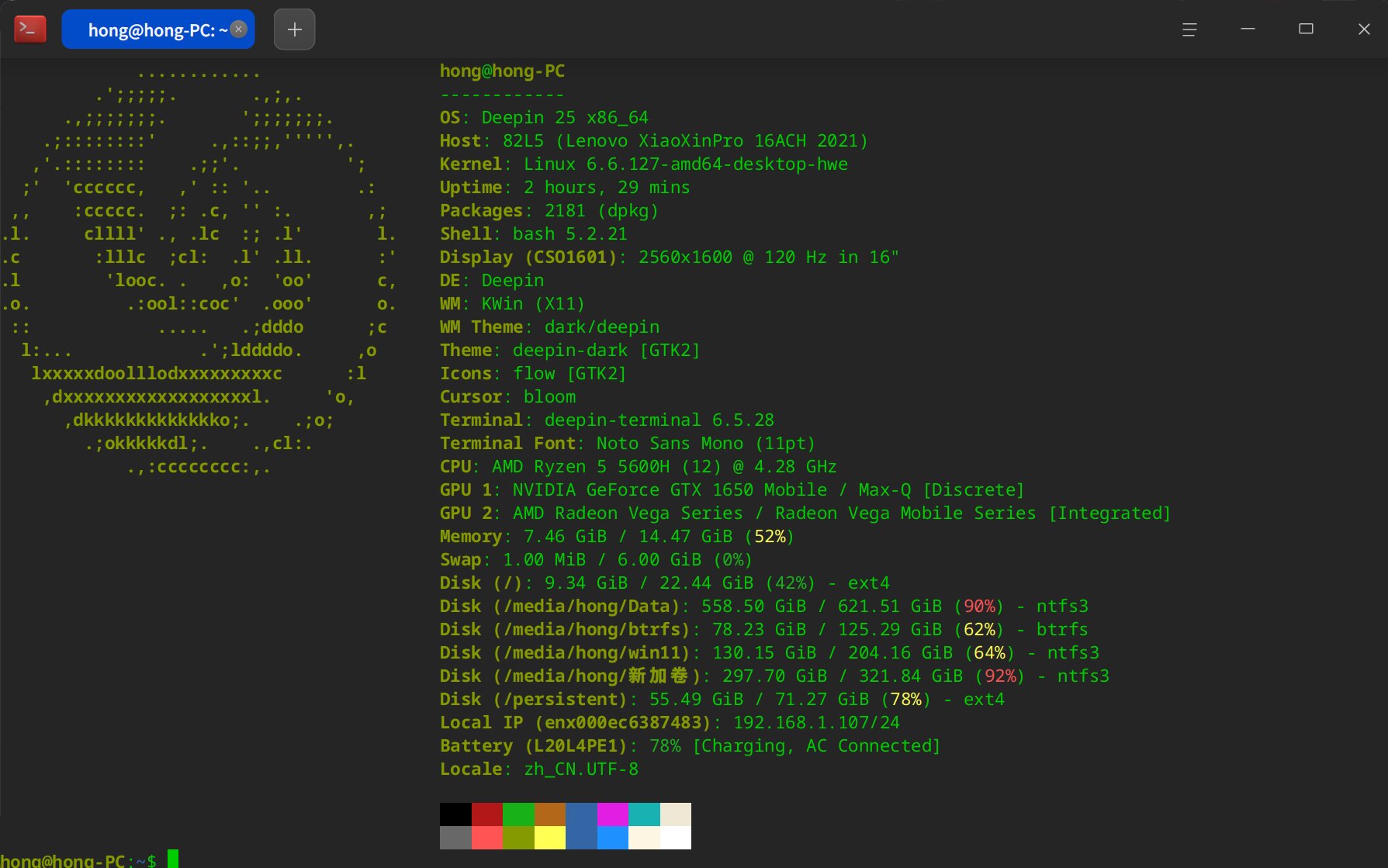
【我的硬件配置】

ps:使用的是25.0.13(内测版)。之前是正式版也存在这个问题,想看看内测版是否解决了这个问题。
image.png

Reply Favorite View the author
All Replies
昨夜的星辰
deepin
11 hours ago
#1

没用vmware,用的virtualbox,用的run文件安装的,内核用的6.18.16

除非是特别新的硬件,如果用着没什么事不要折腾内核😁
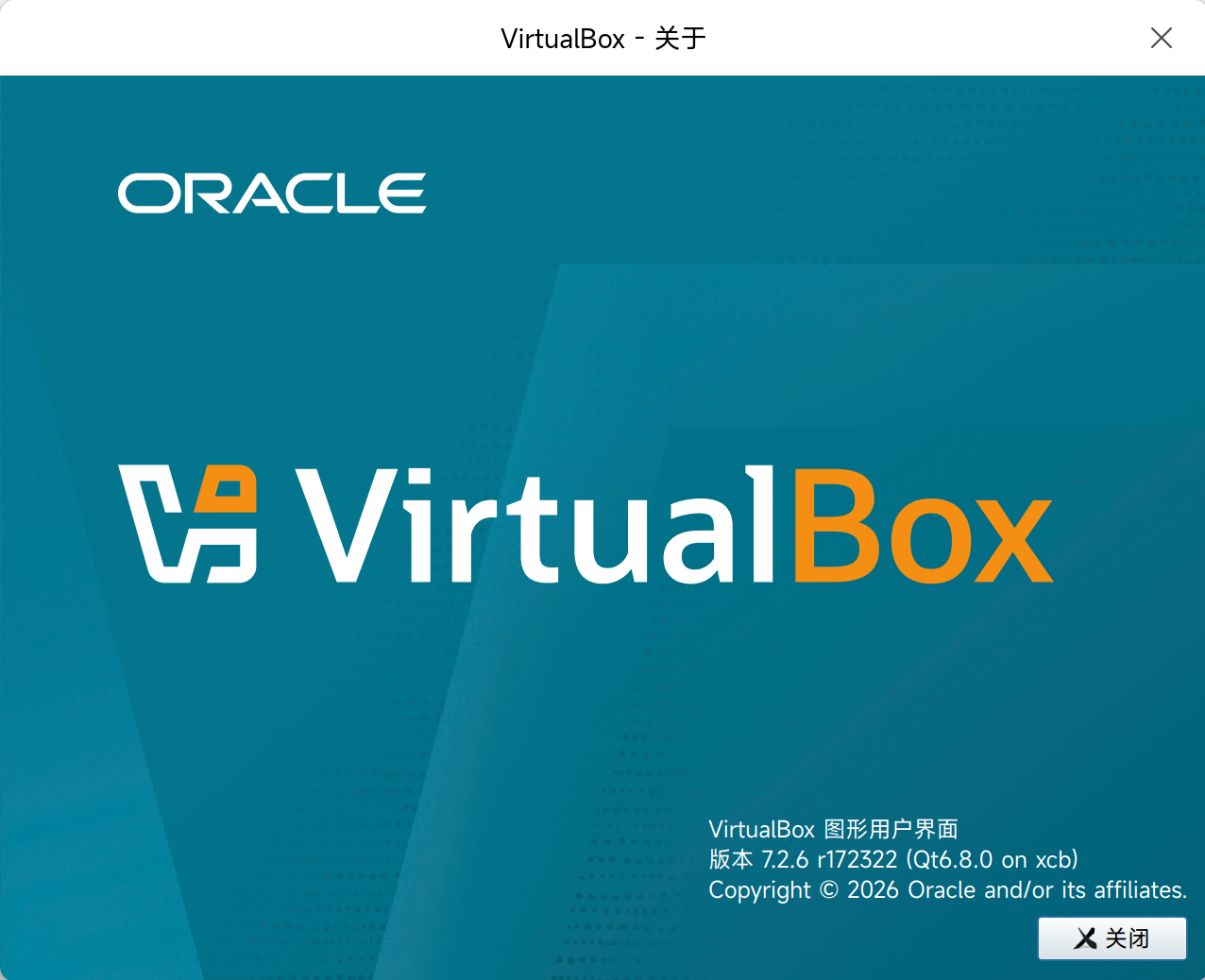
image.png

image.png

Reply View the author
花无双
deepin
9 hours ago
#2

太赞了👍 ,正烦这个问题呢。碰到这个问题我也问了问,ai的回答给我弄蒙了😂 。

Reply View the author
晚秋(lateautumn)
Moderator
8 hours ago
#3

学习了 ,谢谢分享。applaud

Reply View the author
hongfeng
deepin
8 hours ago
#4
昨夜的星辰

没用vmware,用的virtualbox,用的run文件安装的,内核用的6.18.16

除非是特别新的硬件,如果用着没什么事不要折腾内核😁
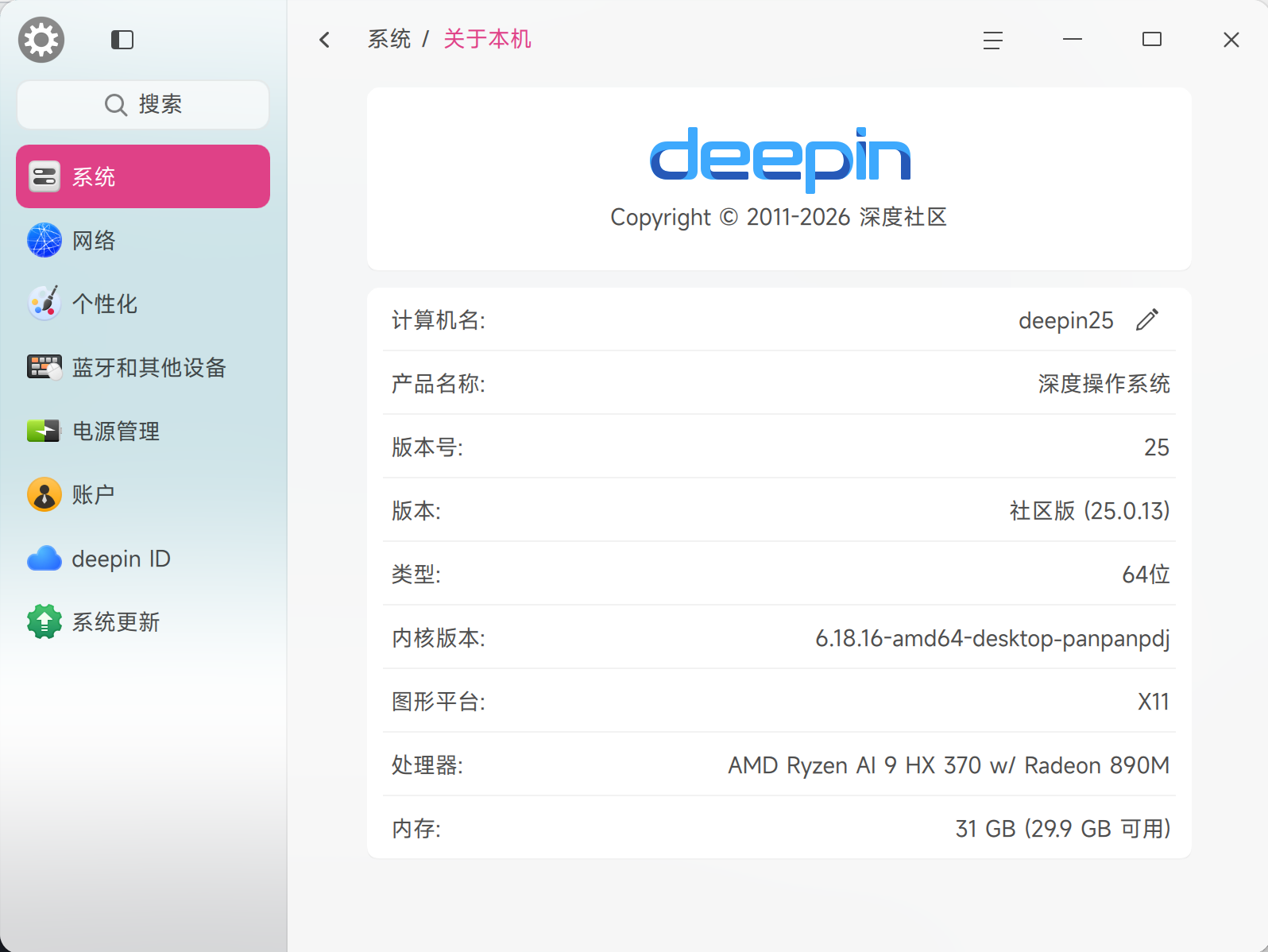
image.png

image.png

你说的有道理,我也不想动内核的。主要是vmware用习惯了,virtualbox几年前也用过一段时间,界面差别有点大,要转到virtualbox还是要一段熟悉时间的。

看后续deepin官方会不会修复。如果不修复的话,时间久了可能就换一个虚拟机使用。

最近在学习网络,现在我是虚拟机里再开虚拟机😂,同时运行着edge浏览器的情况下。内存占用情况还行。
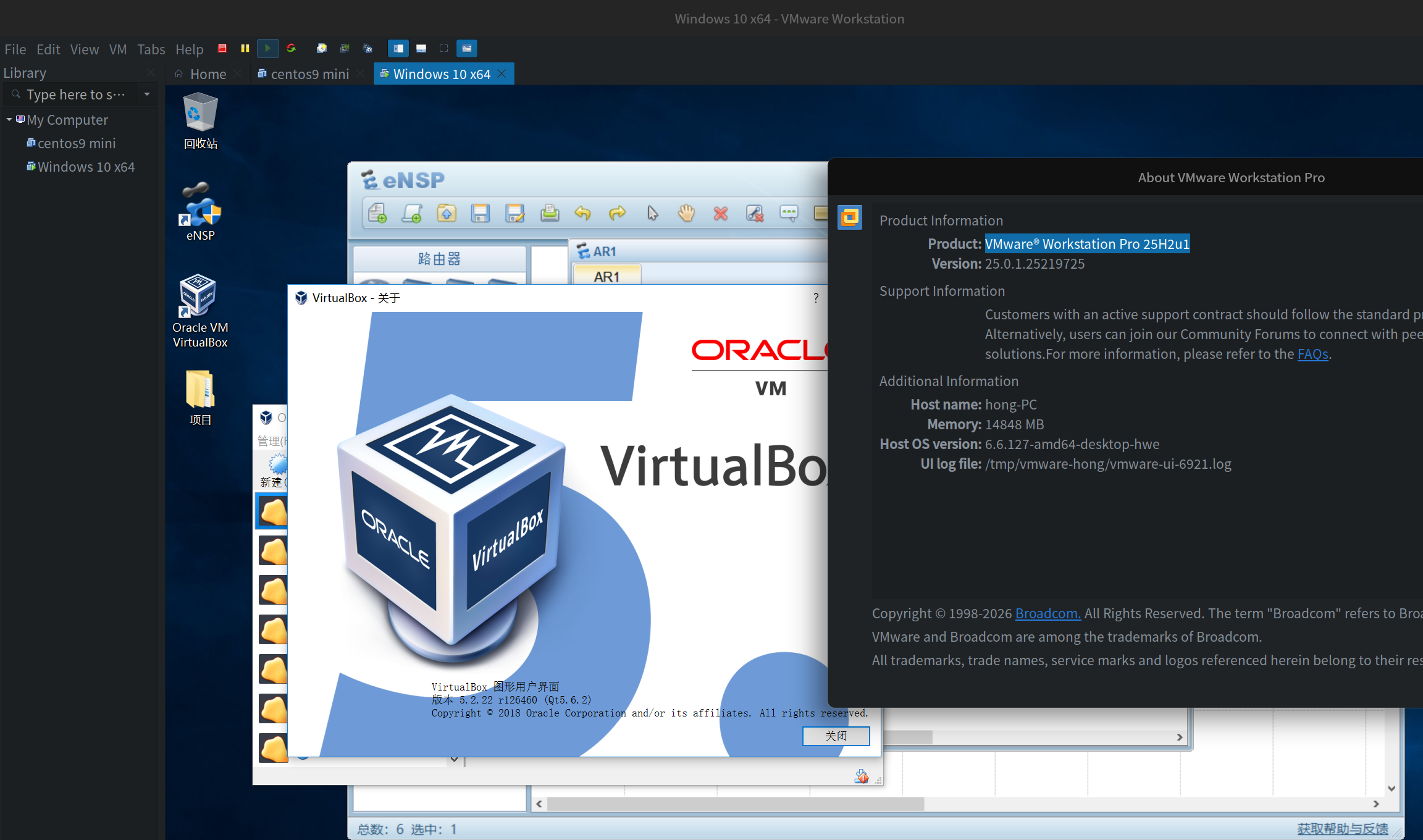
image.png

image.png

Reply View the author