

 中文
中文 
neko deepin
2026-01-19 11:17 deepin Ecological co-builder
Q&A Team
说明网卡没驱动,看看你网卡芯片是啥型号
lspci | grep Wireless
Reply Like 0 View the author
 deepin
 说明网卡没驱动,看看你网卡芯片是啥型号
lspci | grep Wireless
https://bbs.deepin.org.cn/post/290663
无线网卡没驱动,请按引导提供下信息。
 deepin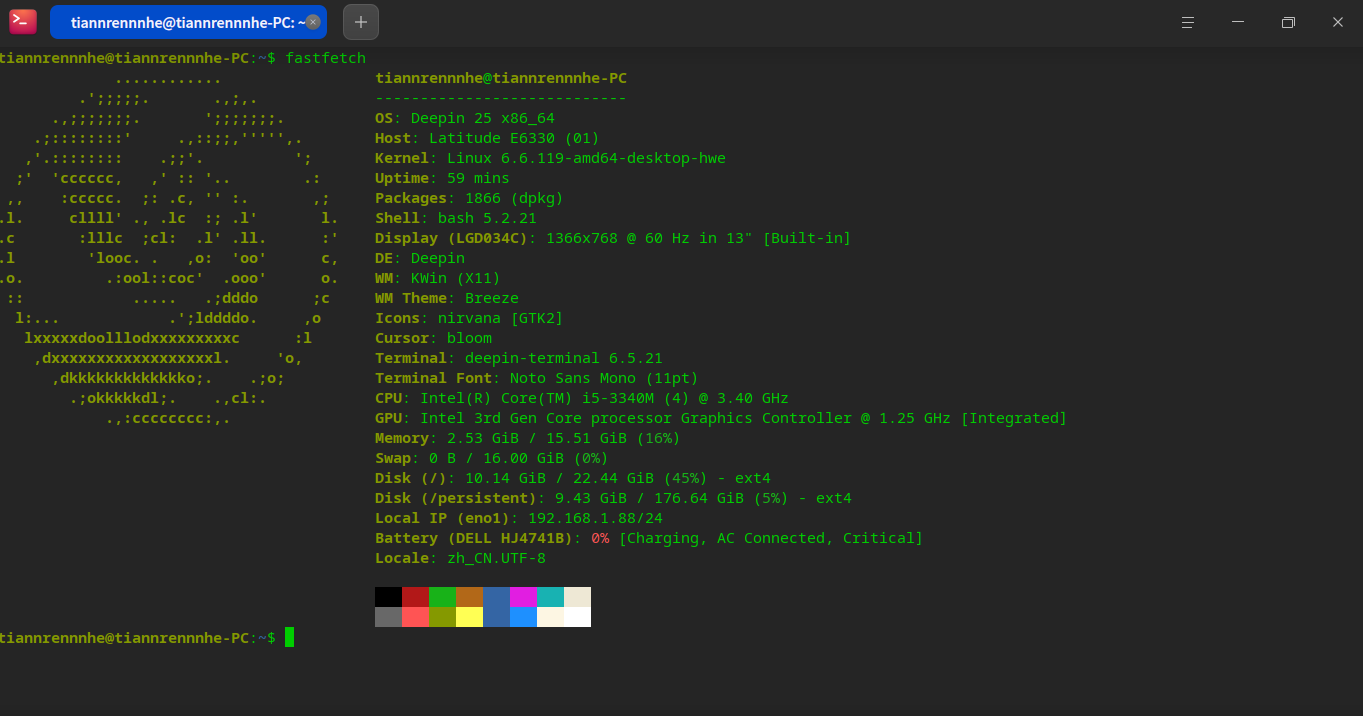
我试图连接wifi,但是找不到
deepin 说明网卡没驱动,看看你网卡芯片是啥型号
lspci | grep Wireless
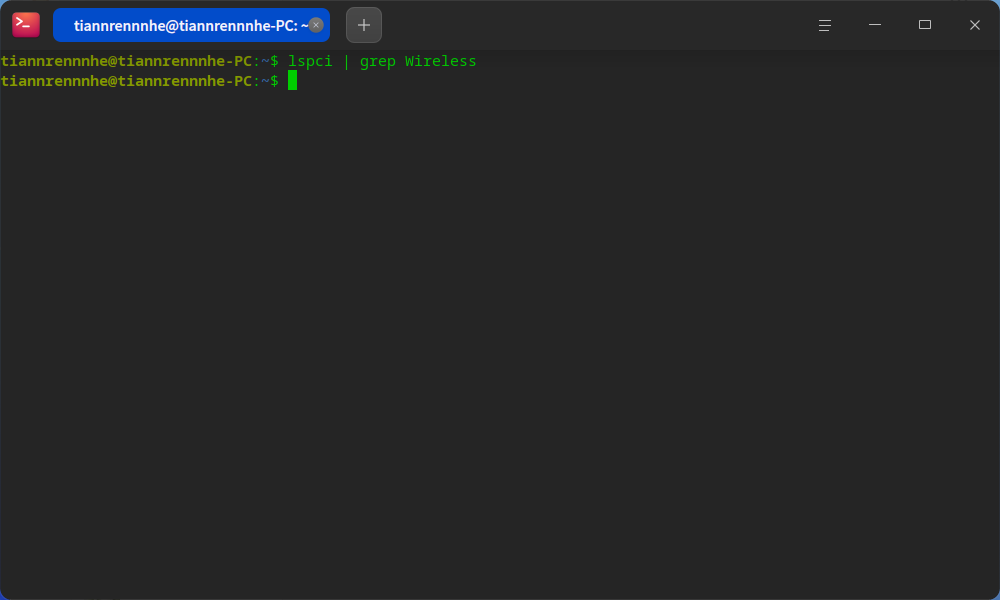
啥也不出
 deepin
啥也不出
lspci | grep Wireless
我用了上面的命令是什么都不出,都是无线正常。
 deepin
 这种情形我一般插个免驱动的usb的wifi网卡试试。例如:COMFAST CF-812AC双频5G 1300M千兆usb3.0无线网卡WIFI接收发射器RTL8812bu
deepin 这种情形我一般插个免驱动的usb的wifi网卡试试。例如:COMFAST CF-812AC双频5G 1300M千兆usb3.0无线网卡WIFI接收发射器RTL8812bu
我是真没想过这个方案,之前电脑一直是正常的,但是就是安不了win11了,我嫌win10太丑,就换了个系统试试。没想到直接找不到wifi

 deepin
 重启之后 执行看一下sudo dmesg | grep iwlwifi,应该是缺少固件了
deepin 重启之后 执行看一下sudo dmesg | grep iwlwifi,应该是缺少固件了
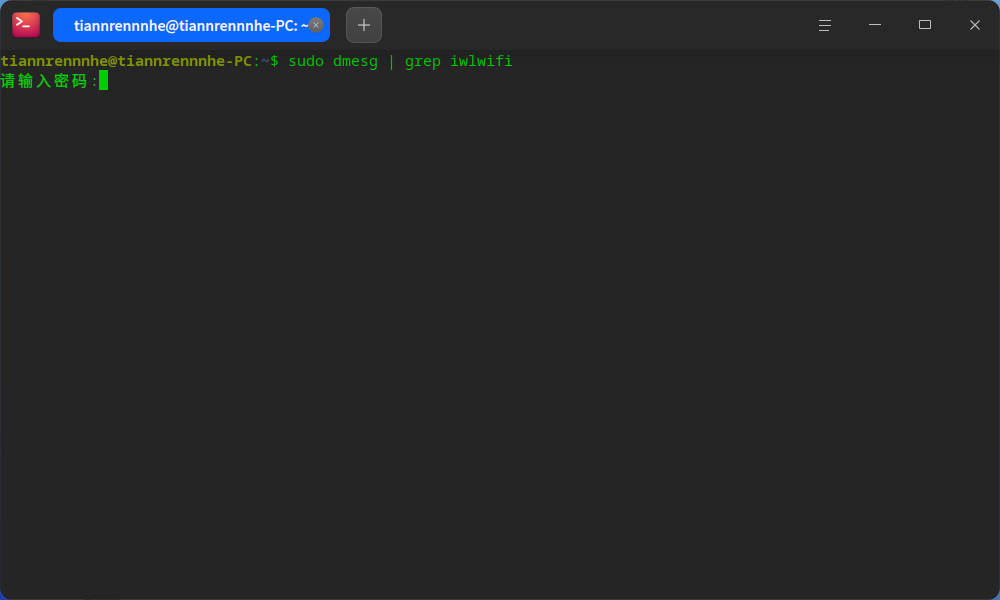
我不知道输入什么密码,我只设置过开机密码,试着输入,输入不进去,不知道为什么
deepin
我不知道输入什么密码,我只设置过开机密码,试着输入,输入不进去,不知道为什么
就是你的开机密码,Linux 终端输入密码是不显示的,你输完密码回车就行
deepin 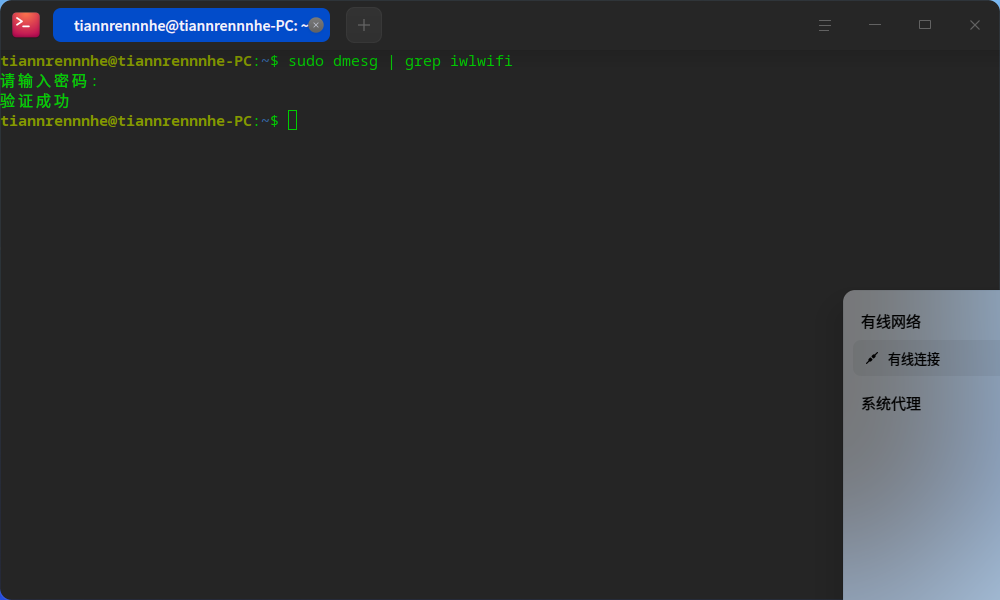
然后就没有然后了,就显示验证成功
 deepin
 打开一个终端,运行命令
nmtui-connect
查看无线网卡连接信息
deepin
然后就没有然后了,就显示验证成功
sudo dmesg | grep err看看呢
deepin sudo dmesg | grep err看看呢
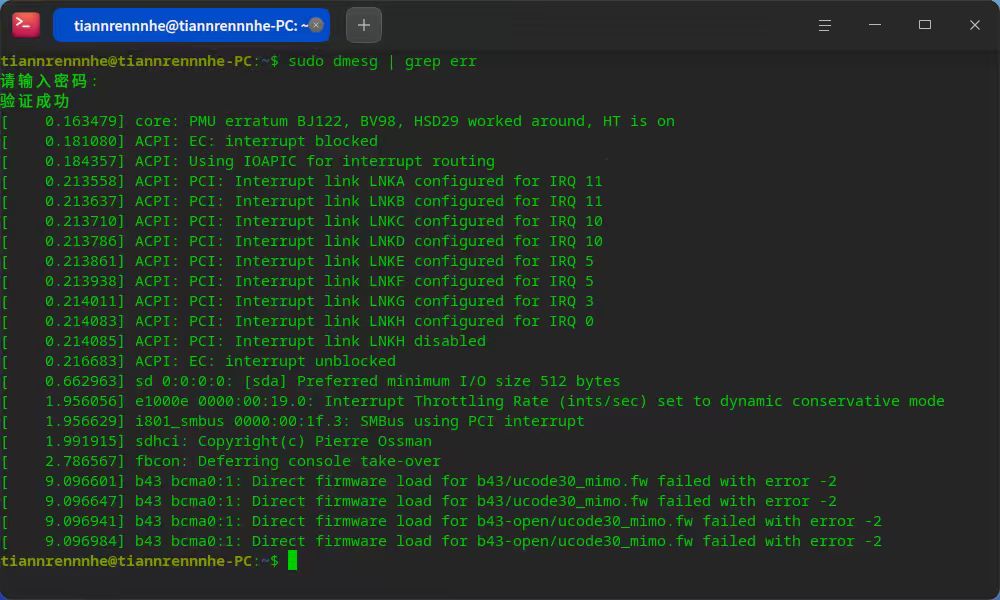 这个样子
这个样子
deepin sudo dmesg | grep err看看呢
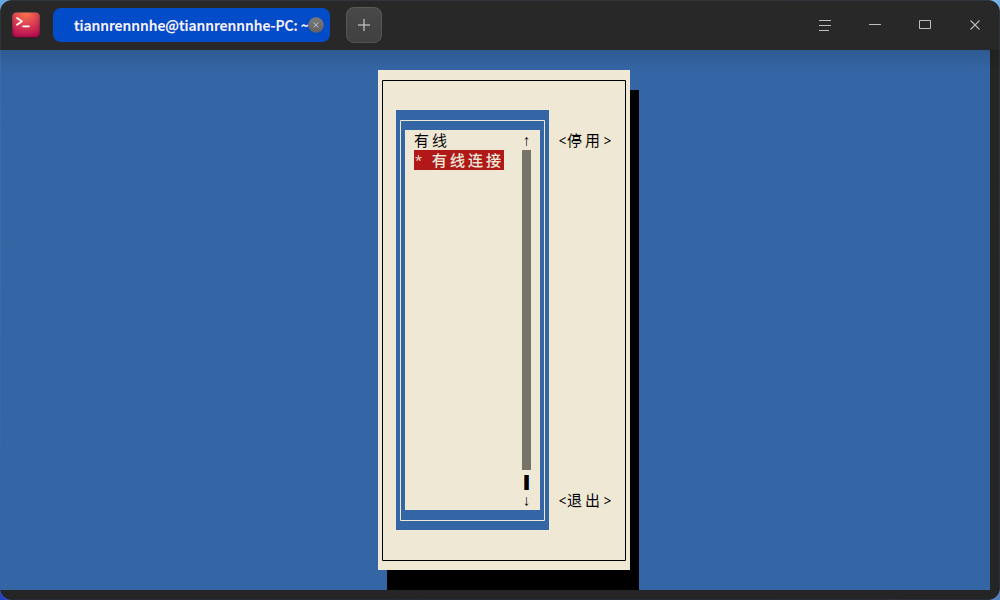
 deepin
 直接执行lspci,不要使用grep过滤,有的时候某些无线网卡是不带wireless之类的关键字的。也可以根据笔记本型号上网搜索一下无线网卡型号,然后在论坛搜索无线网卡型号,看看是否有人发贴过
deepin 直接执行lspci,不要使用grep过滤,有的时候某些无线网卡是不带wireless之类的关键字的。也可以根据笔记本型号上网搜索一下无线网卡型号,然后在论坛搜索无线网卡型号,看看是否有人发贴过
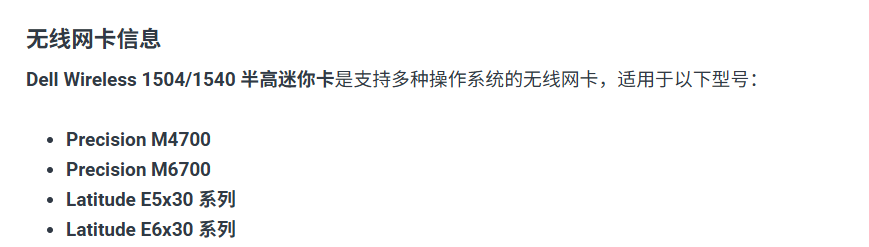
应该是这个型号,论坛上没搜到
deepin 这个样子
这个报错看起来是博通的b43网卡,参考这个试试。
https://www.bilibili.com/opus/785376160882098194
顺便执行一下这个看看完整的pci信息
lspci -nnk #把完整输出贴出来看看
 deepin
 换个版本试下比较省事
Popular Events
More

刚
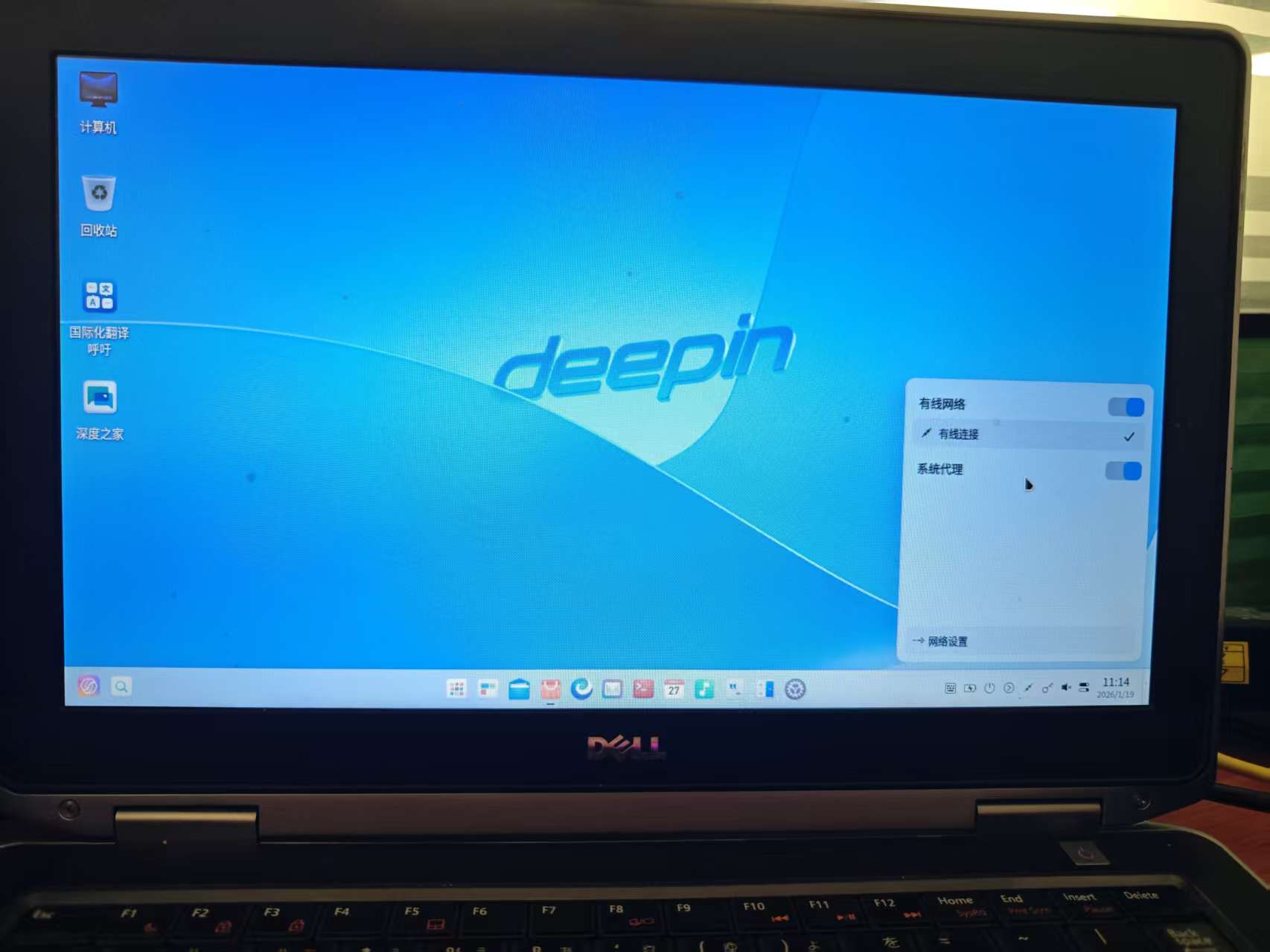
安装完系统,可以有线连接,就是找不到wifi按钮,请问一下诸位如何找到无线网络按钮,我想连接我家wifi,