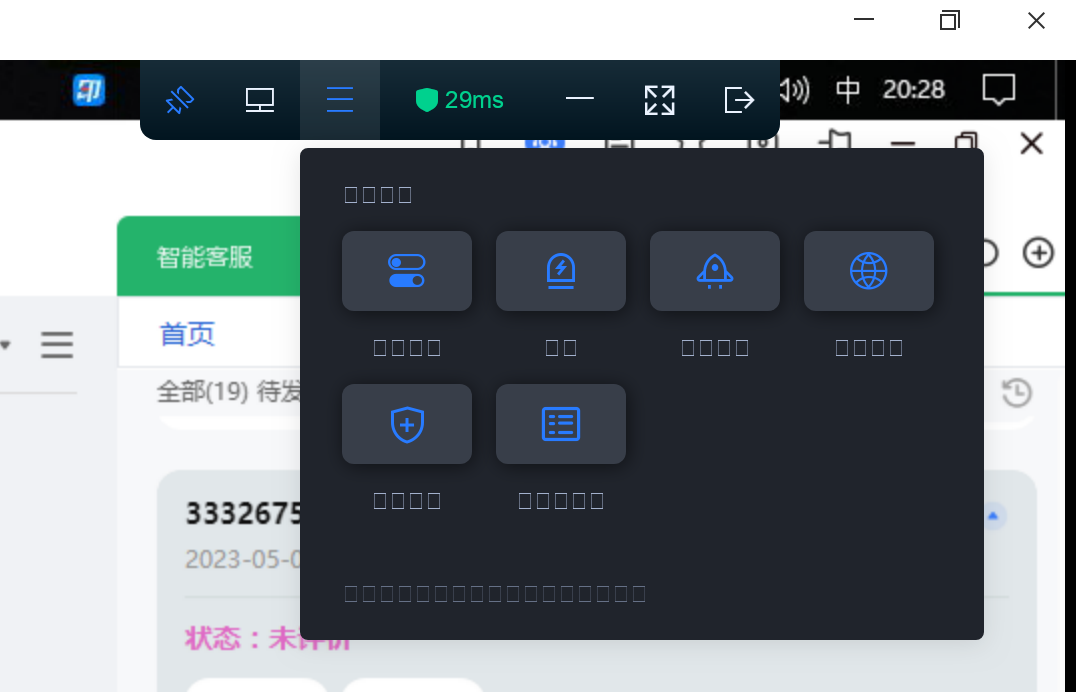
[Exchange Ideas] wine了天翼云电脑,字体显示不全,应该怎么操作
Tofloor
poster avatar
Am
deepin
2023-05-22 04:29
Author

截图_选择区域_20230521202902.png

Reply Favorite View the author
All Replies
TXOS-C.User
deepin
2023-05-22 04:33
#1

试试在wine运行器安装字体

Reply View the author
阿尼樱奈奈
deepin
2023-05-22 04:38
#2

星火商店安装Win字体,或直接复制Windows的fonts文件夹的字体。

Reply View the author
Am
deepin
2023-05-22 05:00
#3
阿尼樱奈奈

星火商店安装Win字体,或直接复制Windows的fonts文件夹的字体。

好的,我试试

Reply View the author
Am
deepin
2023-05-22 05:00
#4
TXOS-C.User

试试在wine运行器安装字体

好的

Reply View the author
静以修身
deepin
2023-05-28 05:19
#5

请问你是如何安装 天翼云电脑 的,我安装之后无法启动,一直白屏

Reply View the author
阿尼樱奈奈
deepin
2023-05-28 05:50
#6
静以修身

请问你是如何安装 天翼云电脑 的,我安装之后无法启动,一直白屏

官网下载安装包,然后用“Wine运行器”安装运行试试

Reply View the author
Am
deepin
2023-05-31 07:03
#7
静以修身

请问你是如何安装 天翼云电脑 的,我安装之后无法启动,一直白屏

天翼云电脑有linux版本,有需要的话把你的微信私信我,我给你

Reply View the author
Am
deepin
2023-05-31 07:04
#8
阿尼樱奈奈

星火商店安装Win字体,或直接复制Windows的fonts文件夹的字体。

这个只能解决部分字体的问题,输入法无法使用,已经放弃了- -

Reply View the author
老任
deepin
2023-06-16 19:22
#9

我wine了,完全正常,可以用

Reply View the author
灵兮之
deepin
2023-08-10 00:59
#10
老任

我wine了,完全正常,可以用

能同步吗?用的哪个版本,怎么wine的

Reply View the author
zzy-ac
deepin
2023-08-31 21:55
#11

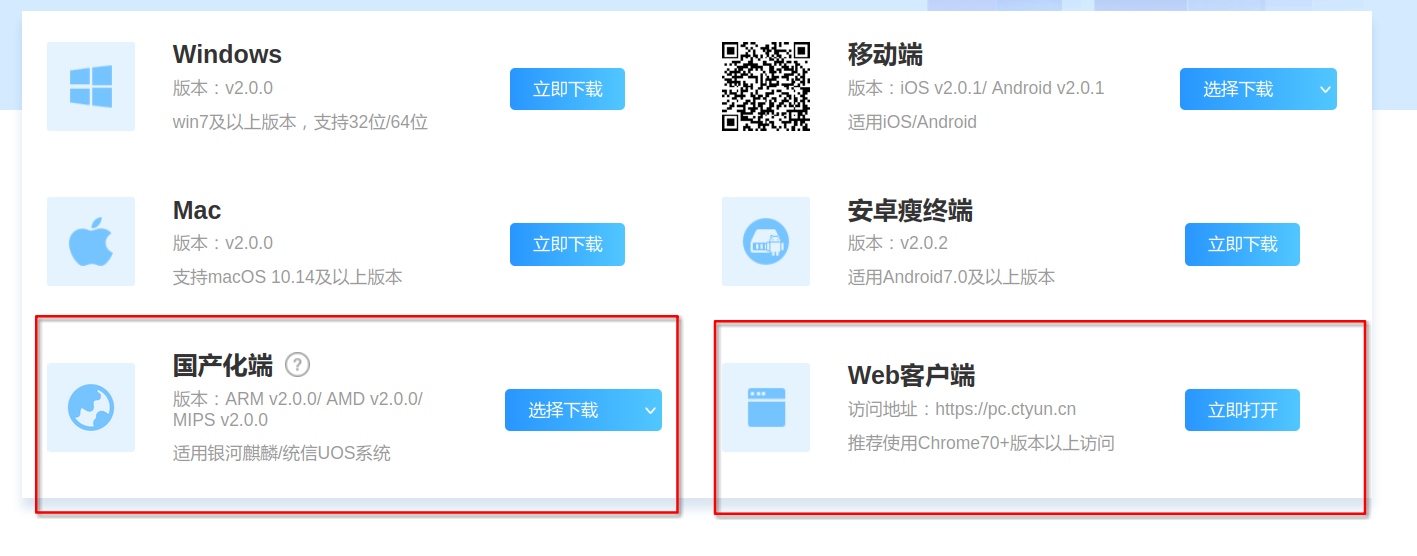
天翼云电脑请直接使用官方linux客户端https://desk.ctyun.cn/html/enterprise/

或者现在也推出了网页版也可以

图片.png

Reply View the author
RUSH
deepin
2023-09-02 07:19
#12
zzy-ac

天翼云电脑请直接使用官方linux客户端https://desk.ctyun.cn/html/enterprise/

或者现在也推出了网页版也可以

图片.png

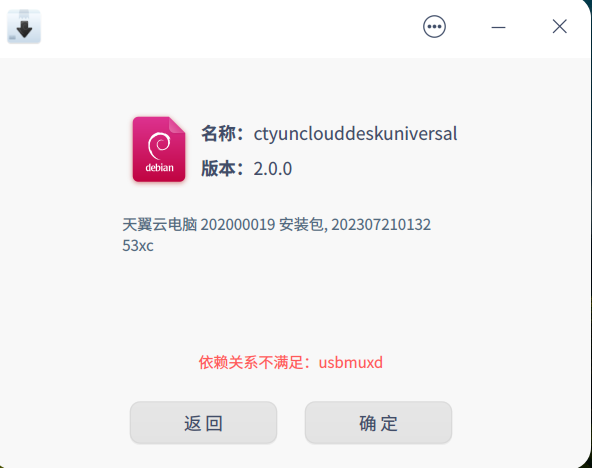
微信图片_20230901231905.png

缺少这个依赖怎么办

Reply View the author
eagleluo2020
deepin
2024-09-11 10:17
#13

请教一下,我用Wine运行器装了一个,可以登录,但连接云电脑总是提示网络不通,不知道怎样解决?

Reply View the author